
Zangi App for iOS: Private, Secure, Fast, and Easy
Many iPhone users enjoy a specific peace of mind; they appreciate the sleek design, fluid animations, and the security of their phone’s hardware. However, when using standard messaging apps, that privacy often vanishes. Personal data can be harvested, “last seen” status is often tracked, and phone numbers are exposed to the public.
Zangi for iOS changes the game. It takes the premium experience of your iPhone and adds a layer of absolute, unbreakable invisibility.
How to Install Zangi App for iOS: Step-by-Step Setup Process
You don’t need special or technical knowledge or a degree in IT to install the Zangi app on your iPhone or iPad. Getting Zangi is as natural as downloading any simple app on your phone. Start by following these five steps:
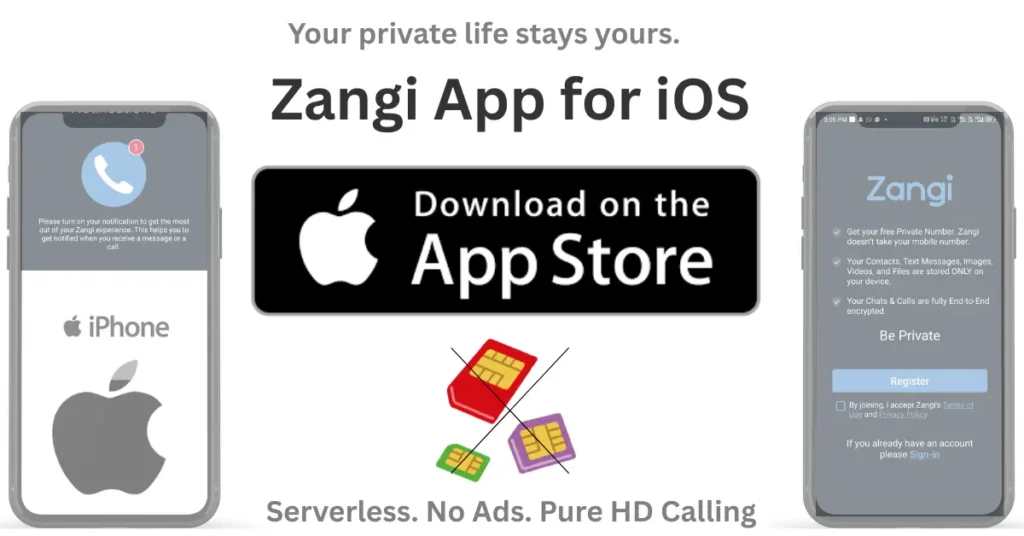
System Requirements: Does it work on my device?
If you are running iOS 15.0 or later, you are ready to go. This includes:
Why iPhone Users Love Zangi
Apple users appreciate quality. You don’t just want an app that works; you want one that respects your device and your time. Here is why Zangi is the perfect match for your iPhone:
1. Freedom from SIM Cards
Your iPhone has a powerful operating system, and Zangi helps you get the most out of it. You only need a username to sign up. This means:
- No phone number required.
- No identity leaks or data tracking.
- No more annoying spam calls from strangers.
2. It Saves Your Battery
We all hate apps that “drain” our battery in the background. Zangi is different. It uses special “serverless” technology that is incredibly light. This helps your battery life last much longer while the app stays ready for your next call.
3. Crystal-Clear HD Video Calls
You paid for a beautiful Retina display and excellent speakers—Zangi makes sure you actually use them! It is optimized for iOS to give you sharp, HD video. Even if your internet signal is weak, your calls stay smooth and clear.
4. Built Specially for iPhone
Zangi feels like it was made by Apple. It uses the smooth gestures and haptic feedback (vibrations) you already know and love. It sits perfectly on your home screen, ready to keep your secrets safe.
Zangi App vs Traditional Apps
| Feature | Zangi Messenger | Traditional Apps |
| Phone Number Required | No (SIM-Free) | Yes |
| Server Storage | None (Serverless) | Cloud-Based |
| Data Usage | Ultra-Low | High |
| Ads & Tracking | Zero | Common |
| Privacy Level | Military-Grade | Standard E2EE |
Real Privacy: Human to Human
Have you ever talked about a product with a friend, and then seen an ad for it on your phone ten minutes later? It feels creepy, right? This happens because many apps “listen” to you or track your private data to sell ads.
Zangi is different. Zangi does not use a “cloud.” When you send a message on your iPhone, it goes directly to your friend’s screen. After that, it disappears. There is no middleman and no “brain” in the sky saving your secrets.
Think of it like whispering to a friend in a busy room—no one else can hear you, and there is no recording of what you said. Your secrets stay exactly where they belong: with you.
Frequently Asked Questions
Conclusion:
You choose an iPhone because you want the best. You should choose Zangi for the same reason. It isn’t just “another chat app”; it is a sanctuary for your personal life. No ads, no tracking, no wait, and no compromises.
Download Zangi for iOS today and experience freedom!
Learn how to use the Zangi app on PC with a bigger screen.