How to See Restricted Messages in Zangi? A Simple Privacy Guide 2026
Have you ever hidden a secret chat to keep it private, only to realize a few days later that you can’t remember how to find it? Don’t worry, you are not alone! Many of us prefer to keep our personal conversations away from prying eyes. It can be very frustrating when you want to look back at a message, but it seems to have vanished. You might even wonder, have these messages disappeared forever?
The solution to this headache lies within the Zangi app’s smart settings. In Zangi, ‘restricting’ or ‘hiding’ a message is just like putting a secret diary in a hidden drawer. The diary is perfectly safe, but you need to know exactly where the secret handle is to open it. Today, I will show you how to find your restricted and hidden messages so you can get back to your private conversations in seconds.
What does “Restricted” mean in Zangi?
First, understand that “restricted” means, for Zangi, there are two ways we usually “restrict” things:
- Hidden Chats: You hide a conversation so it doesn’t show up on your main screen.
- Blocked Contacts: You stop someone from messaging you entirely.
As a teacher, I always tell my students, “Privacy is good, but organization is better!” Let’s look at how to find these messages step-by-step.
How to Find and See Your Hidden Chats
If you used the “Hide Conversation” feature, the chat is still on your phone, but it is invisible. To see it again, follow these simple steps:
Step 1: Use the Search Bar. Go to your main chat screen and look at the top. Tap on the Search bar (the magnifying glass icon).
Step 2: Type the Name: Type the name of the person you were chatting with. Even if the chat is hidden, their name should appear in the search results.
Step 3: Enter Your Passcode: If you set a “passcode” to hide your chats, Zangi will ask you for it now. Once you enter your secret code, the “restricted” messages will open right up!
How to See Restricted Messages from Blocked People
Sometimes, we restrict someone by blocking them, but later we wonder if they tried to reach out.
- Open your Settings (the gear icon).
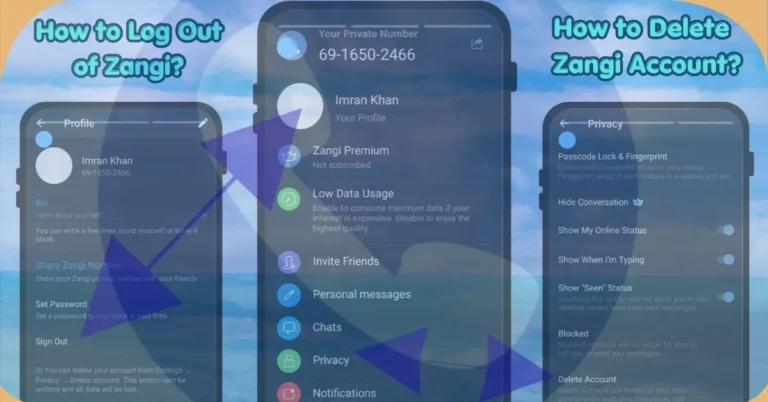
- Tap on Privacy.
- Look for a section called “Blocked.”
- Here, you will see a list of everyone you have restricted. If you want to see new messages from them, you will have to “Unblock” them first.
FAQs
Conclusion:
In 2026, we are very busy on social media. It is normal to want to restrict some parts of your messenger to feel safe and organized. Just remember that with Zangi, you are the master of your data.
Now that you know how to find your hidden chats, you can enjoy the “peace of mind” that comes with a private, clean chat list. Happy messaging!